
Pick Loopky
Free with no ads, speaking practice, sharing by link, AI built decks, and your Anki decks come along.
Comparison
What each one does best, and which one fits the way you learn.
Free. No ads. Open source.
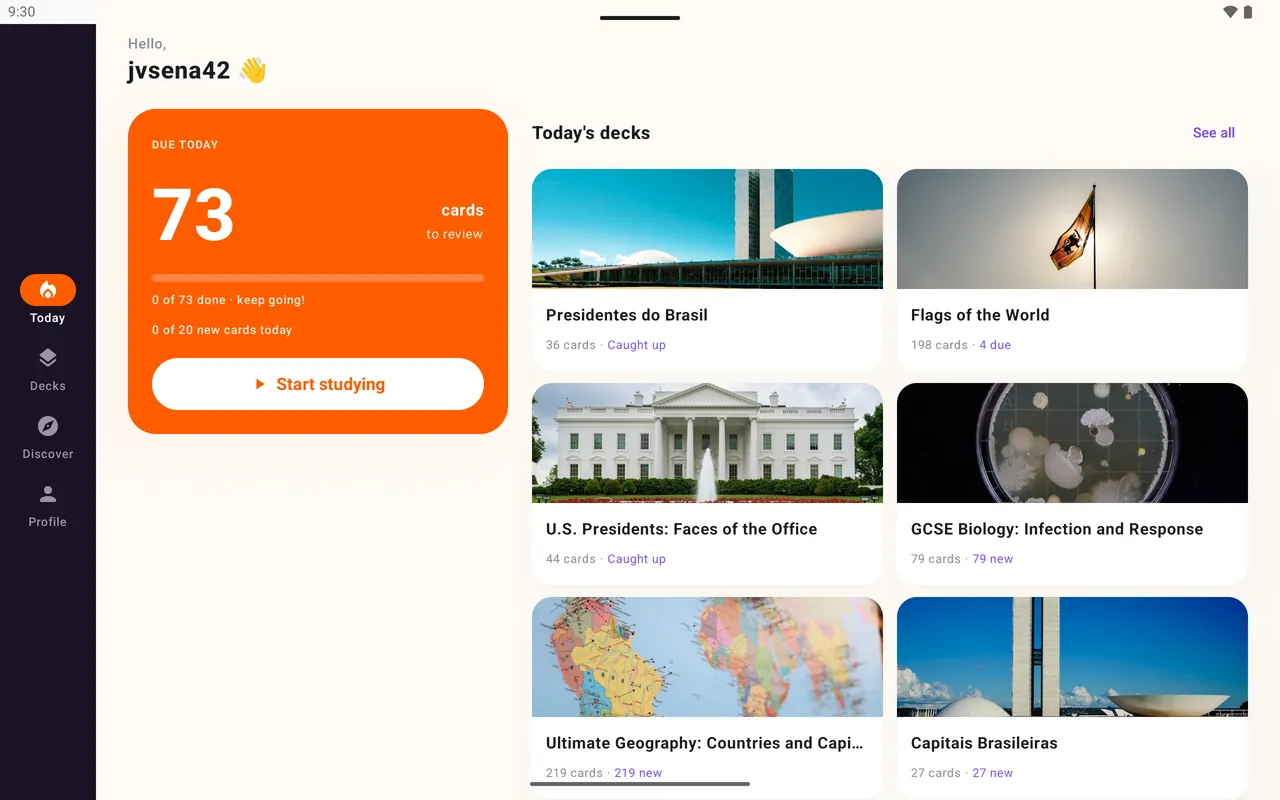
Free with no ads, speaking practice, sharing by link, AI built decks, and your Anki decks come along.
If you depend on FSRS, full offline study, audio files, LaTeX or custom templates.
If your class already uses it and you want games more than spaced repetition.
| Loopky | Anki | Quizlet | |
|---|---|---|---|
| Price | Free, no ads | Free; paid app on iPhone | Free with ads; paid plan |
| Opens Anki decks | Yes | Yes | No |
| Scheduling | Fixed intervals you set | FSRS or SM-2 | Study modes |
| Reads cards aloud | Yes, 35 languages | With setup | Yes |
| Pronunciation check | Yes | With add-ons | Not a core feature |
| Share by link | Yes | AnkiWeb shared decks | Yes |
| Full offline study | No | Yes | Limited |
| Open source | Yes | Yes | No |
Other apps change over time. Check their own sites for current prices.
Export each deck as .apkg and open it in Loopky. Text, images and cloze come across, and big screens get two-pane layouts.
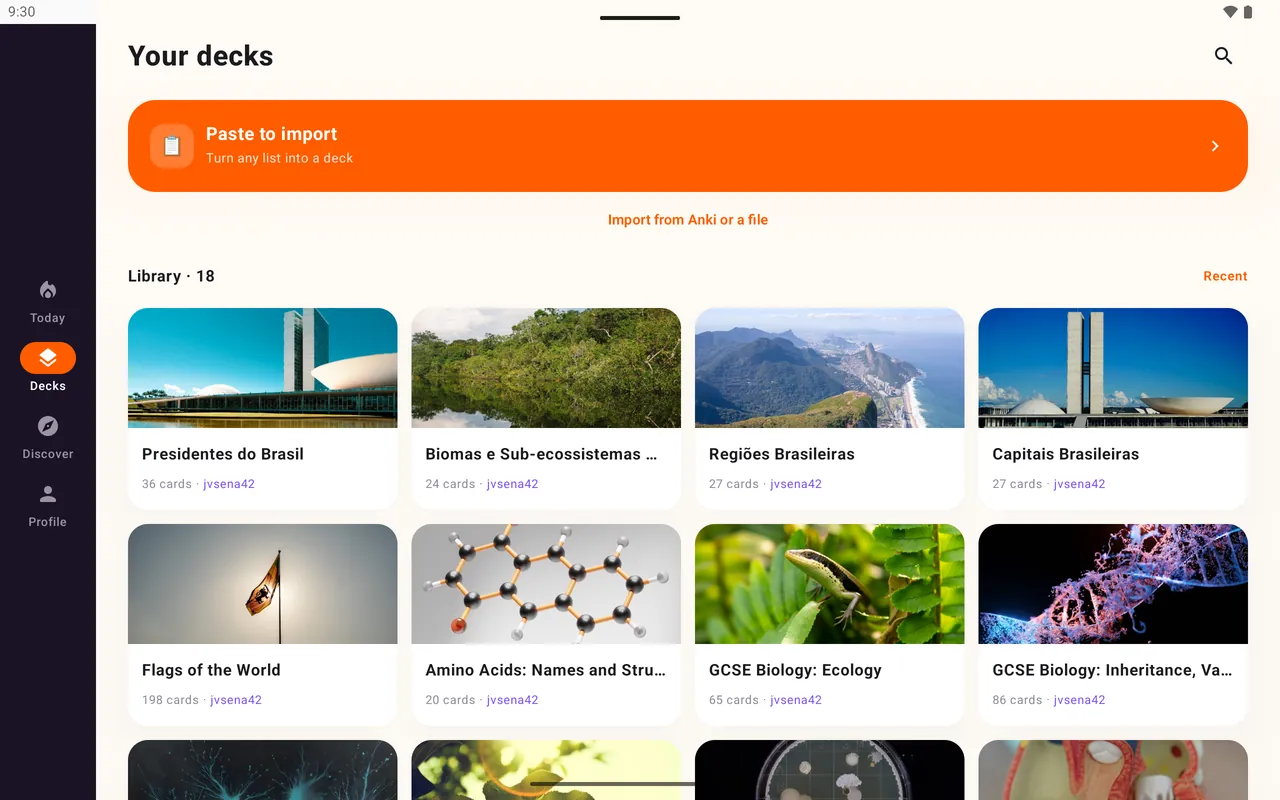
For many learners. It is simpler, free on the phone, and has speaking practice and sharing built in. Anki has FSRS, full offline study, audio and LaTeX.
Loopky is free with no ads and no paid tier, and it uses spaced repetition.
Export each deck from Anki as .apkg with media and import it in Loopky. Review history starts fresh.
A few minutes a day is enough.