
Your decks come along
Text, images and cloze deletions import from .apkg, .txt and .csv files.
For Anki users
Loopky opens your .apkg files, then adds listening, speaking, sharing and AI written cards. No add-ons, no cost.
Free. No ads. Open source.
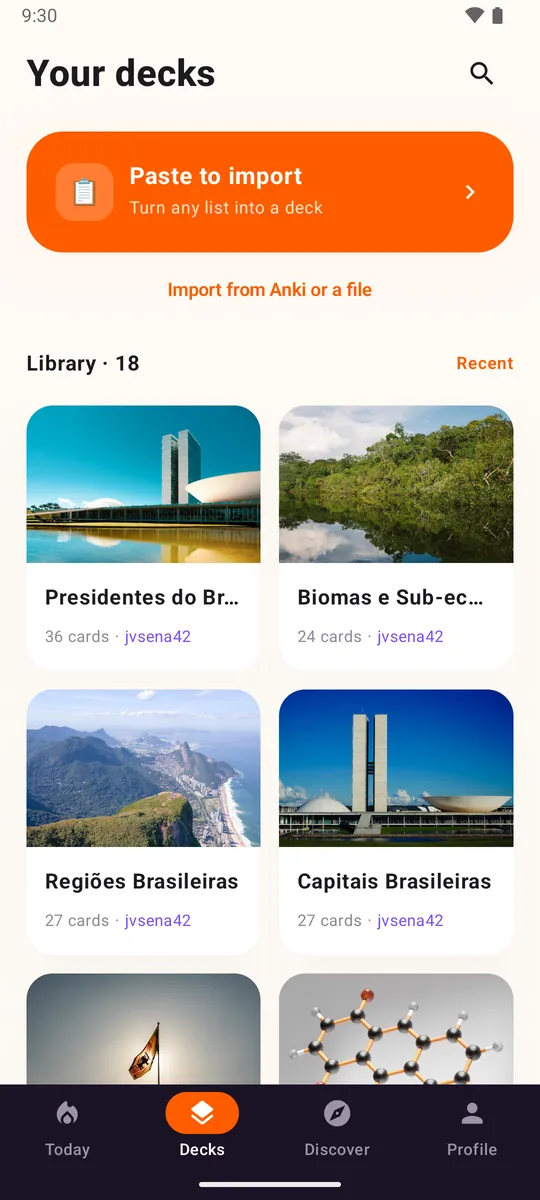
Text, images and cloze deletions import from .apkg, .txt and .csv files.
Text to speech and a pronunciation check are built in, in 35 languages.
Publish a deck and anyone can follow it or clone it.
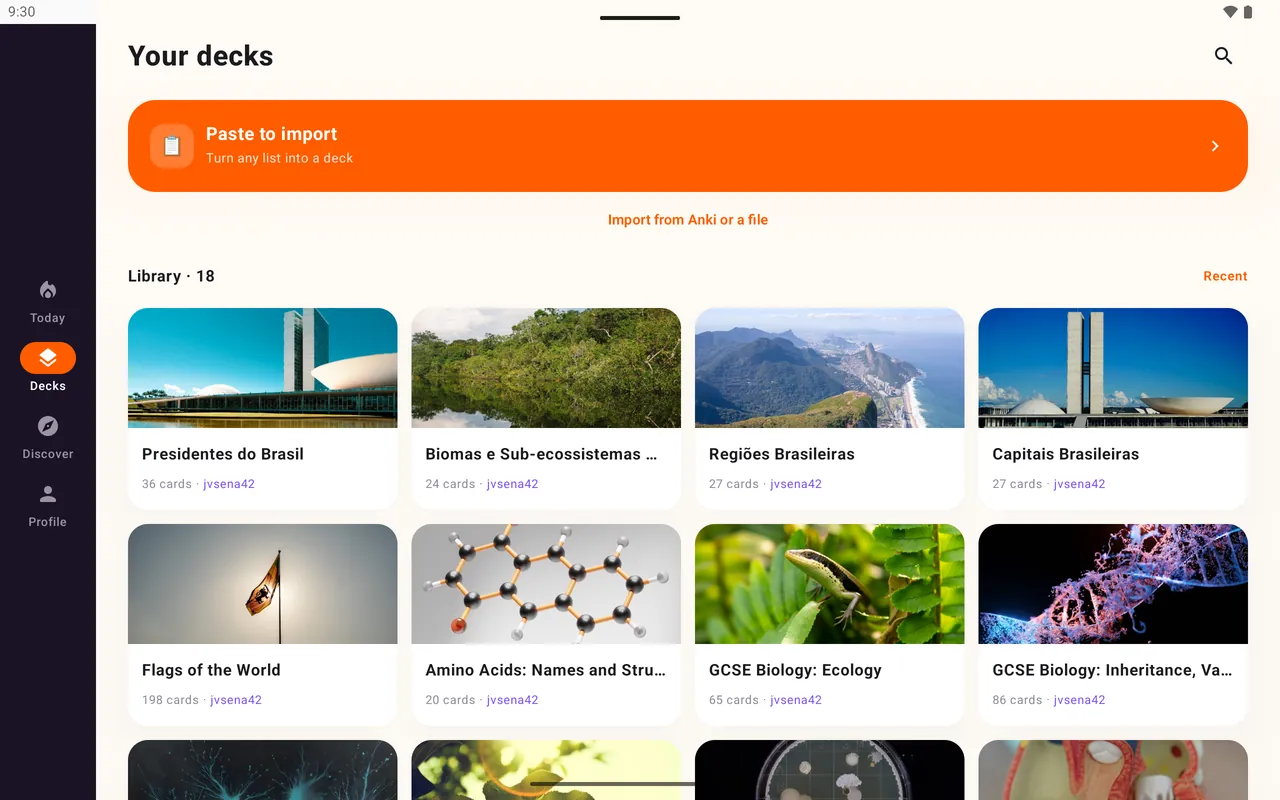
Two-pane layouts on tablets, and a command line tool for bulk deck work.
On a tablet, Loopky uses real two-pane layouts: today's queue beside your decks, a deck beside its cards. Android tablets now, iPad with the iOS app.
| From Anki | In Loopky |
|---|---|
| Text and fields | Yes, you pick the front and back |
| Images | Yes |
| Cloze deletions | Yes, one card per deletion |
| Reversed cards | Yes |
| Audio | No, use built in text to speech |
| LaTeX | Shown as source |
| Review history | No, cards start fresh |
Newest .anki21b files: export again with "Support older Anki versions" ticked.
The Loopky command line tool runs on Windows, macOS and Linux.
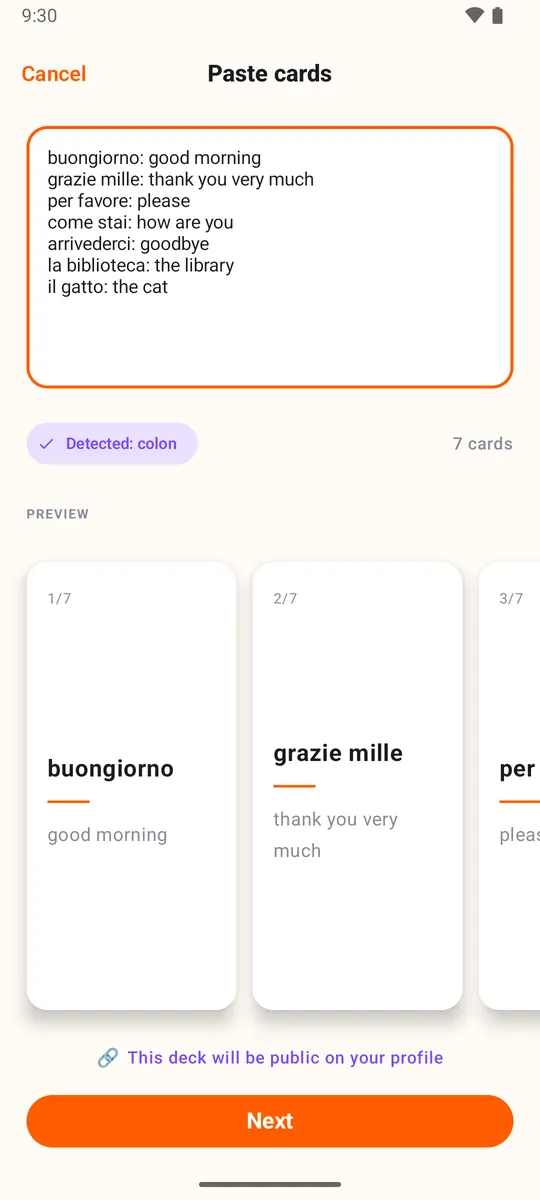
In Anki, export the deck as .apkg with media. Open it in Loopky and pick the front and back fields. Only have a list? Paste it.
For most learners, yes. Check first if you rely on audio files, LaTeX, custom card templates or FSRS.
No. Each grade button has a fixed interval that you set, from 1 to 365 days.
Yes. No ads, no subscription, and open source under the MIT license.
Loopky is on Android now. The iOS app is built and coming soon.
A few minutes a day is enough.