
任何素材
一個章節、上課筆記、一份單字表,或一集影集。
AI 記憶卡製作
告訴 Claude、ChatGPT 或 Gemini 你想學什麼。它會寫好卡片,把牌組發布到你的手機上。
免費。沒有廣告。開源。
一個章節、上課筆記、一份單字表,或一集影集。
寫入任何內容前,每張卡片都會先檢查一遍。
它只管理牌組,永遠無法發文、追蹤或修改你的個人資料。
代理讀取真實結果,不用靠猜。
把這段貼到你的 AI 代理裡,填上主題。登入由你在手機上確認。
Build me a Loopky flashcard deck with the Loopky CLI.

Topic: <WHAT I WANT TO LEARN>
Cards: <HOW MANY>

Steps:
1. Install the CLI if it is missing:
   curl -fsSL https://github.com/jvsena42/loopky/releases/latest/download/install.sh | sh
   Windows: irm https://github.com/jvsena42/loopky/releases/latest/download/install.ps1 | iex
2. Read the command surface first: loopky commands --json
3. Log in: loopky login
   It prints a QR code. I approve it in Pubky Ring on my phone.
4. Write the cards to cards.tsv, one card per line:
   front <TAB> back
   Two more columns are optional: an https image URL for each side.
5. Check before you write anything:
   loopky deck create --title "<TITLE>" --from-file cards.tsv --dry-run --json
6. Publish it:
   loopky deck create --title "<TITLE>" --tag <TOPIC> --from-file cards.tsv
   Language deck: add --front-lang en-US --back-lang es-ES --listen --speak
7. Show me the result: loopky deck show <deckId> --json

I already have an Anki file? Import it instead:
   loopky import deck.apkg --dry-run --json
   loopky import deck.apkg --title "<TITLE>"

Rules:
- Every command takes --json, and the result sits under "data".
- Always run --dry-run before a command that writes.
- Image URLs must be https, and no SVG or TIFF. Those do not render.
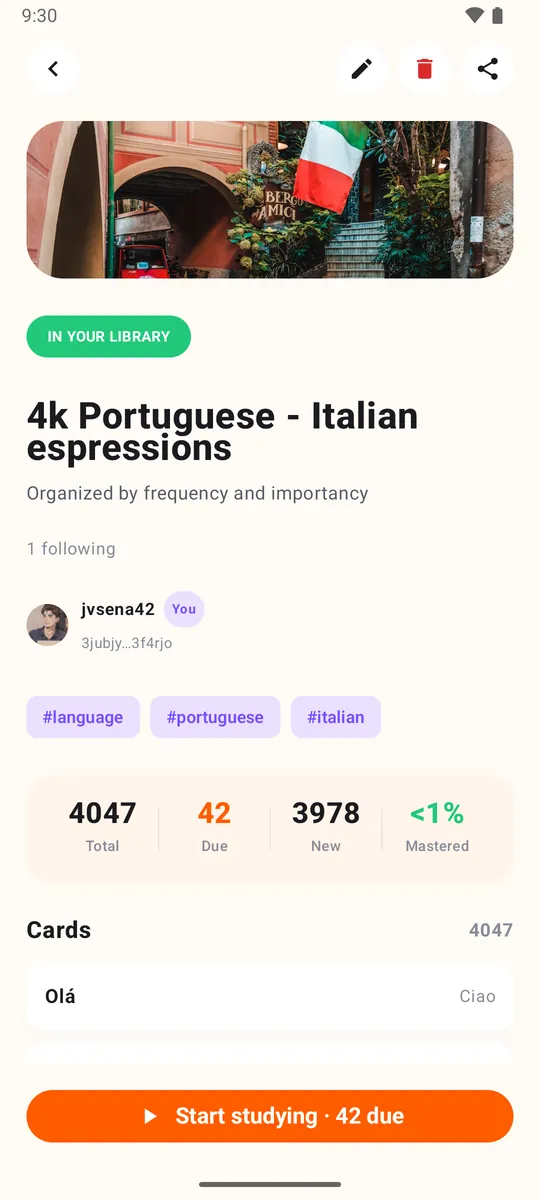
- Do not invent cards I did not ask for. Show me the list before publishing.牌組會出現在 Loopky 裡,可以直接用間隔重複學習,語言牌組還有語音。AI 寫的卡片請檢查一下有沒有錯誤。
不需要。把提示詞貼到能用終端機的 AI 代理裡,例如 Claude Code、Codex 或 Gemini CLI。指令由它來執行。
能。loopky import deck.apkg 會匯入 Anki 牌組套件,加上 --dry-run 可以先看結果。
它不能發文、追蹤別人或修改你的個人資料。它只管理牌組和卡片。