
Jede Quelle
Ein Kapitel, Vorlesungsnotizen, eine Wortliste oder eine Serienfolge.
KI-Karteikarten
Sag Claude, ChatGPT oder Gemini, was du lernen willst. Die KI schreibt die Karten und veröffentlicht den Stapel auf deinem Handy.
Kostenlos. Keine Werbung. Quelloffen.
Ein Kapitel, Vorlesungsnotizen, eine Wortliste oder eine Serienfolge.
Jede Karte wird geprüft, bevor irgendetwas geschrieben wird.
Das Tool verwaltet Stapel. Es kann nie posten, folgen oder dein Profil ändern.
Agenten lesen echte Ergebnisse, statt zu raten.
Füg das in deinen KI-Agenten ein und trag das Thema ein. Die Anmeldung bestätigst du auf deinem Handy.
Build me a Loopky flashcard deck with the Loopky CLI.

Topic: <WHAT I WANT TO LEARN>
Cards: <HOW MANY>

Steps:
1. Install the CLI if it is missing:
   curl -fsSL https://github.com/jvsena42/loopky/releases/latest/download/install.sh | sh
   Windows: irm https://github.com/jvsena42/loopky/releases/latest/download/install.ps1 | iex
2. Read the command surface first: loopky commands --json
3. Log in: loopky login
   It prints a QR code. I approve it in Pubky Ring on my phone.
4. Write the cards to cards.tsv, one card per line:
   front <TAB> back
   Two more columns are optional: an https image URL for each side.
5. Check before you write anything:
   loopky deck create --title "<TITLE>" --from-file cards.tsv --dry-run --json
6. Publish it:
   loopky deck create --title "<TITLE>" --tag <TOPIC> --from-file cards.tsv
   Language deck: add --front-lang en-US --back-lang es-ES --listen --speak
7. Show me the result: loopky deck show <deckId> --json

I already have an Anki file? Import it instead:
   loopky import deck.apkg --dry-run --json
   loopky import deck.apkg --title "<TITLE>"

Rules:
- Every command takes --json, and the result sits under "data".
- Always run --dry-run before a command that writes.
- Image URLs must be https, and no SVG or TIFF. Those do not render.
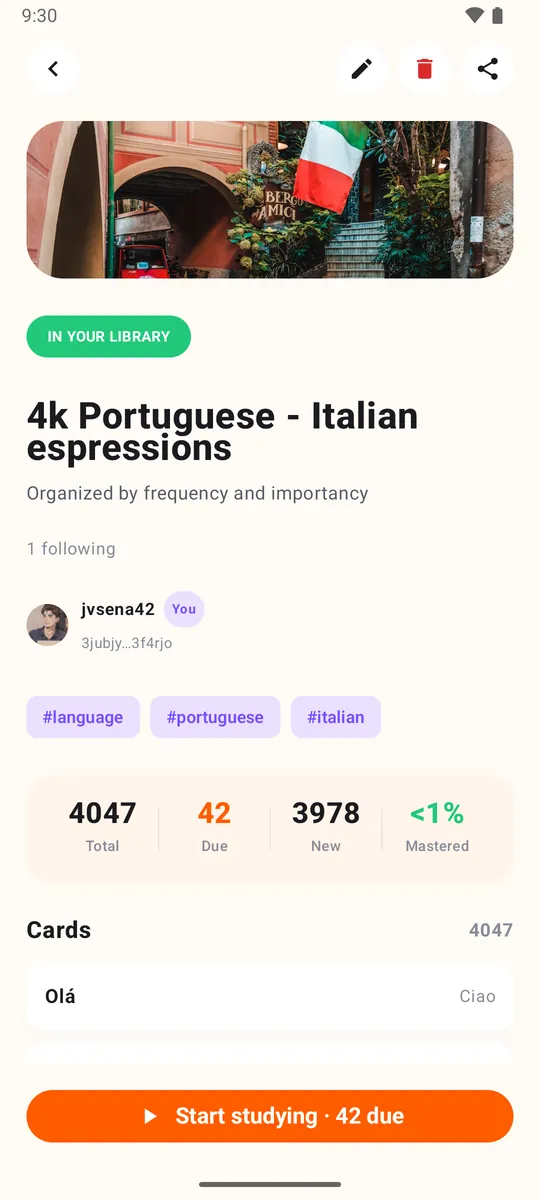
- Do not invent cards I did not ask for. Show me the list before publishing.Der Stapel erscheint in Loopky, bereit für verteilte Wiederholung, mit Audio bei Sprachstapeln. Prüf KI-geschriebene Karten auf Fehler.
Windows, macOS und Linux, dazu Homebrew, ein .deb-Paket und Docker. Kein Java, keine Einrichtung.
Nein. Füg den Prompt in einen KI-Agenten mit Terminal ein, etwa Claude Code, Codex oder Gemini CLI. Er führt die Befehle aus.
Ja. loopky import deck.apkg importiert ein Anki-Paket, und --dry-run zeigt vorher das Ergebnis.
Es kann nicht posten, Leuten folgen oder dein Profil ändern. Es verwaltet nur Stapel und Karten.
Ein paar Minuten am Tag reichen.